Write where it feels natural.
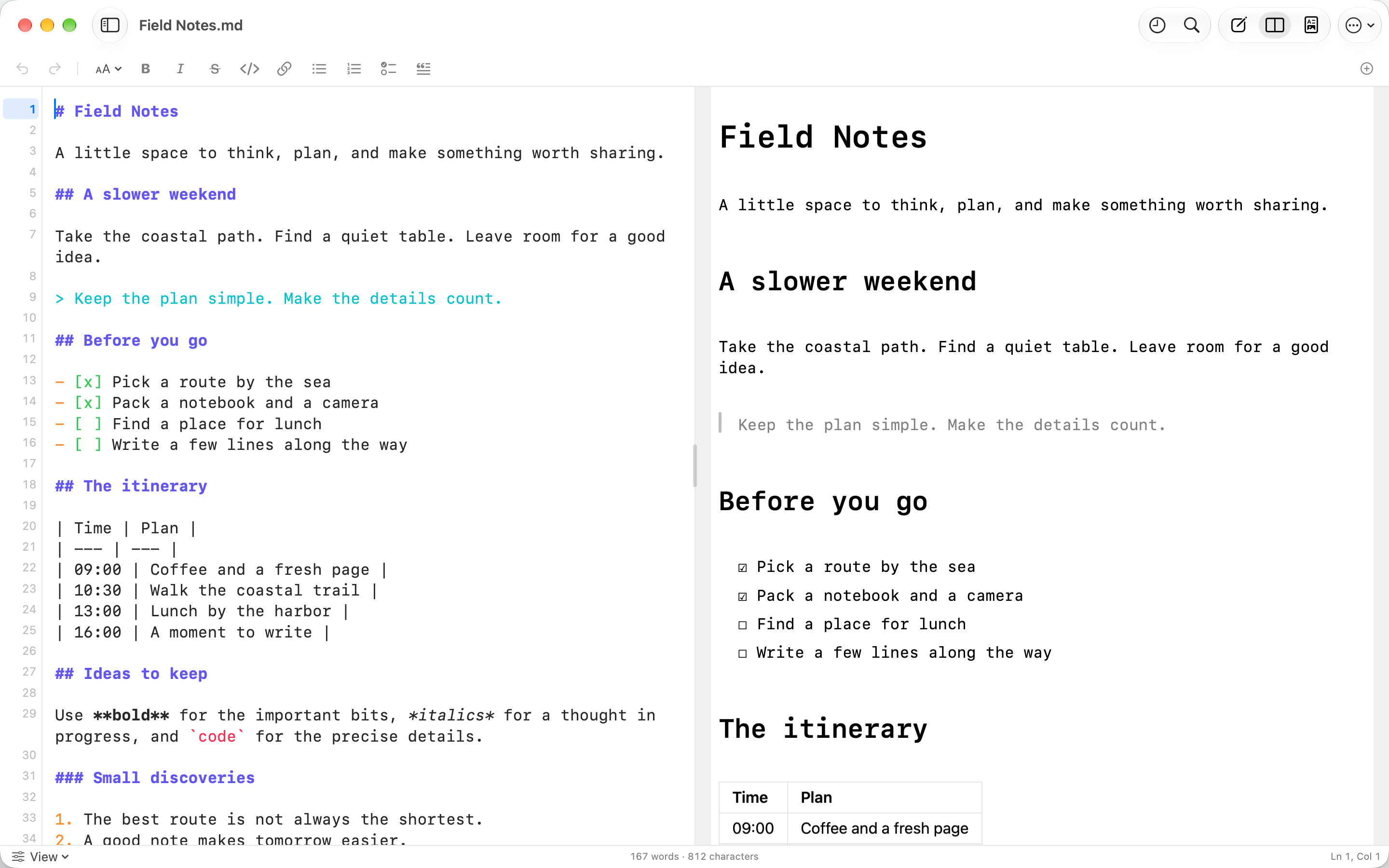
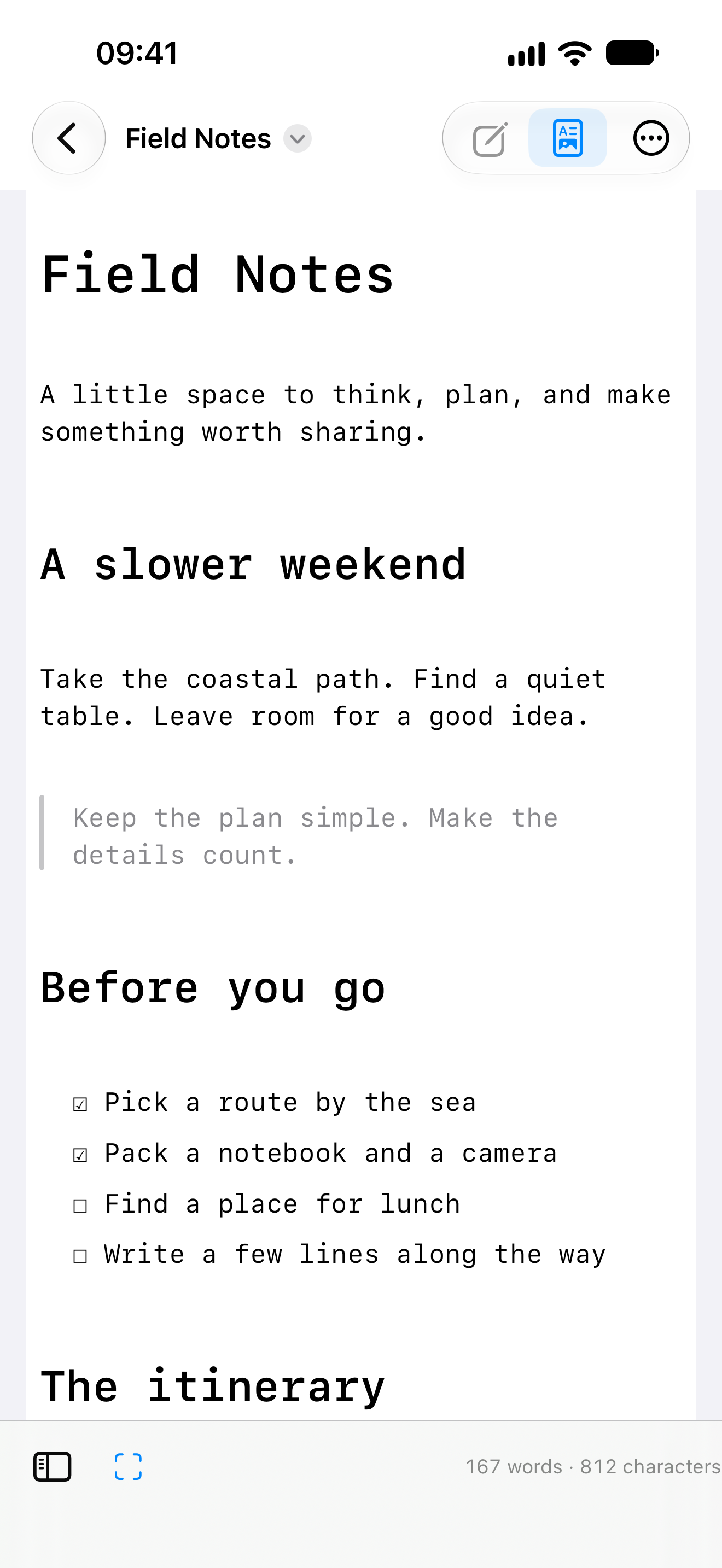
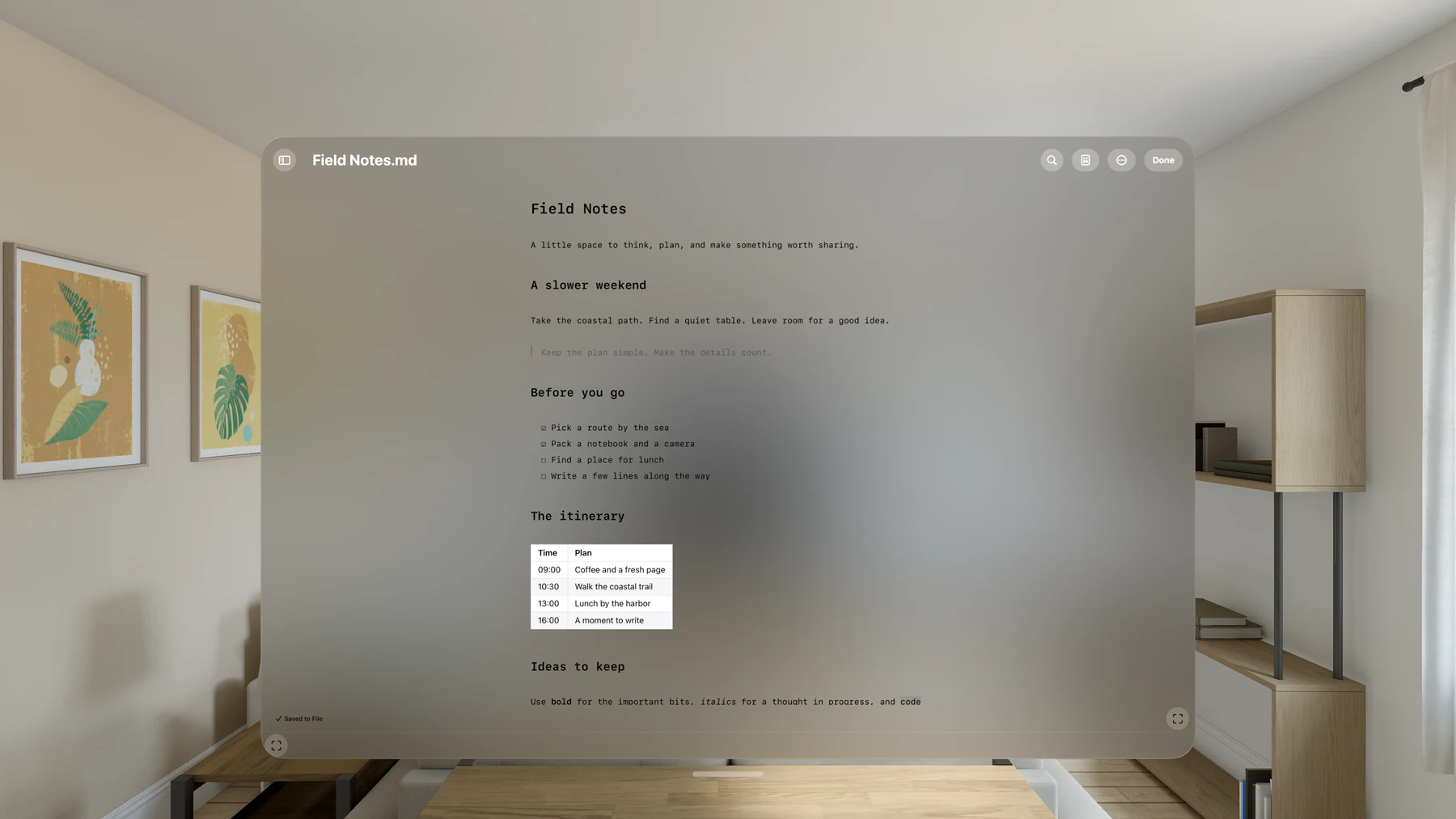
Work in the Markdown source or select text directly in Preview. The Markdown around your selection appears as you edit, with a shared undo history across both views.
A native Markdown editor for notes, plans and documentation. Write in the source or edit directly in Preview, and keep your words in ordinary files.
Work in the Markdown source or select text directly in Preview. The Markdown around your selection appears as you edit, with a shared undo history across both views.
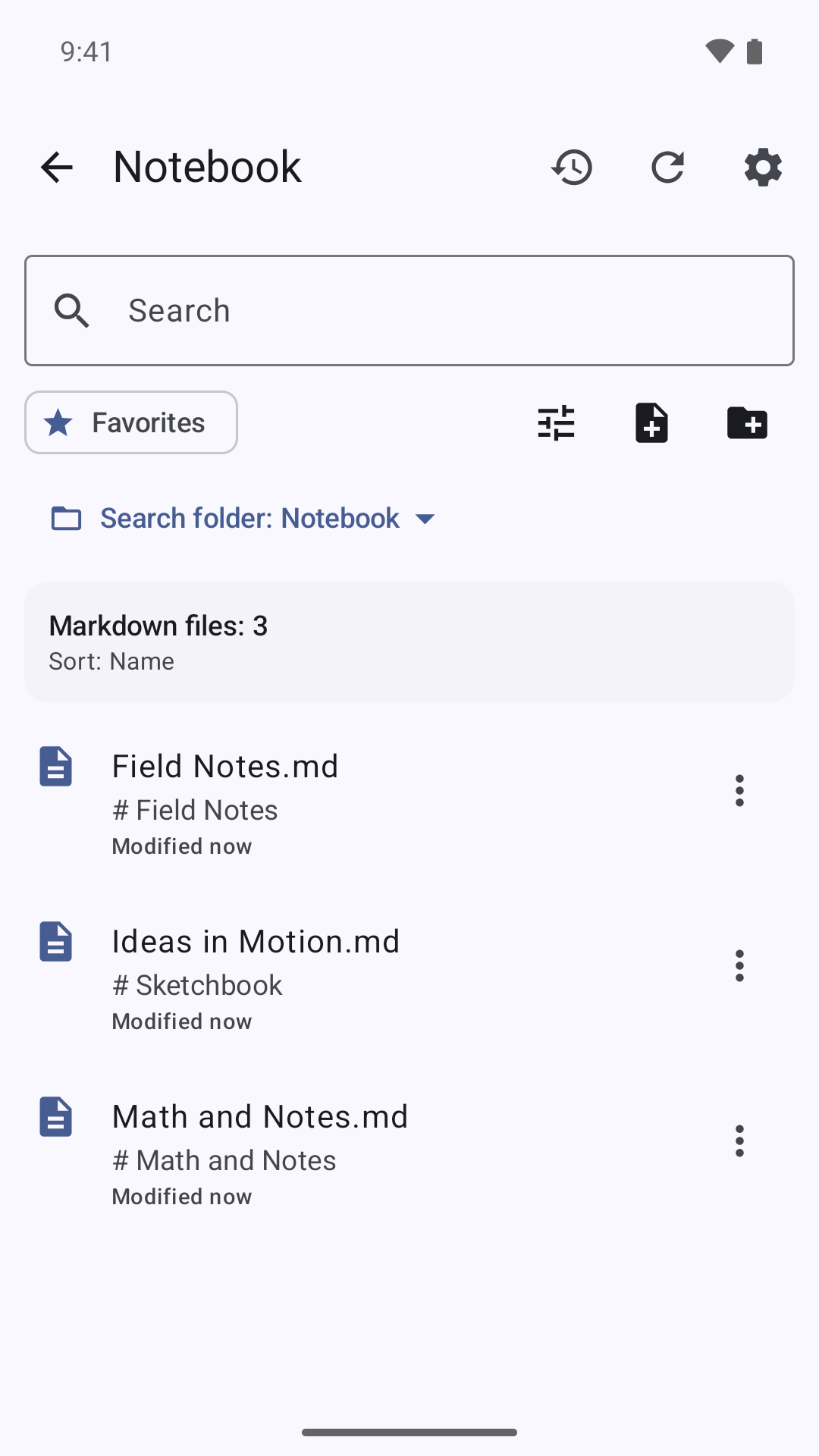
Open documents from your chosen file provider, browse a folder as a workspace and return to recent files. Your writing stays in ordinary Markdown documents.
Follow the outline, find and replace text, or settle into focus mode. Wider screens add an adjustable Split view with synchronized scrolling.
Preview tables, task lists, code and images alongside locally rendered Mermaid diagrams and fenced math. Bundled rendering works without an online service.
Export PDF or standalone HTML, or print your document. Diagram and math fences export as readable code; Apple PDFs omit remote images.
Have another question?
Get in touch.
No. Markling opens and edits your files without an app account. If you choose a cloud file provider, that provider may require its own account.
Local editing and bundled diagram and math rendering work offline. Remote HTTPS images and documents in cloud file providers may need a connection.
In the locations you choose through your device's file tools. Mac uses Save and Save As; mobile documents save in place when the chosen file provider allows it. Android keeps local recovery data for unsaved changes when needed.
Markling supports UTF-8 Markdown documents up to 16 MiB, with CommonMark and GitHub-Flavored Markdown features. Access to folders and neighboring images follows your file provider's permissions.